
Zoocasso · An Image Workbench for Designers
An image workbench for designers: describe what you want and get a usable image — reference images, region edits, aspect ratios, regenerate. Just the few steps that matter, nothing else.
Why I built it
Some friends of mine are designers, and what they wanted was simple: describe a picture in a sentence, get a usable image back, then change it fast. But the tools around them were either not good enough or too much — a dozen entry points, agents and membership tiers, and real effort just to find the “make an image” step.
So I built them Zoocasso. It does one thing: turn words into a usable image, and make it easy to change. Nothing else.
A workbench that gets out of the way
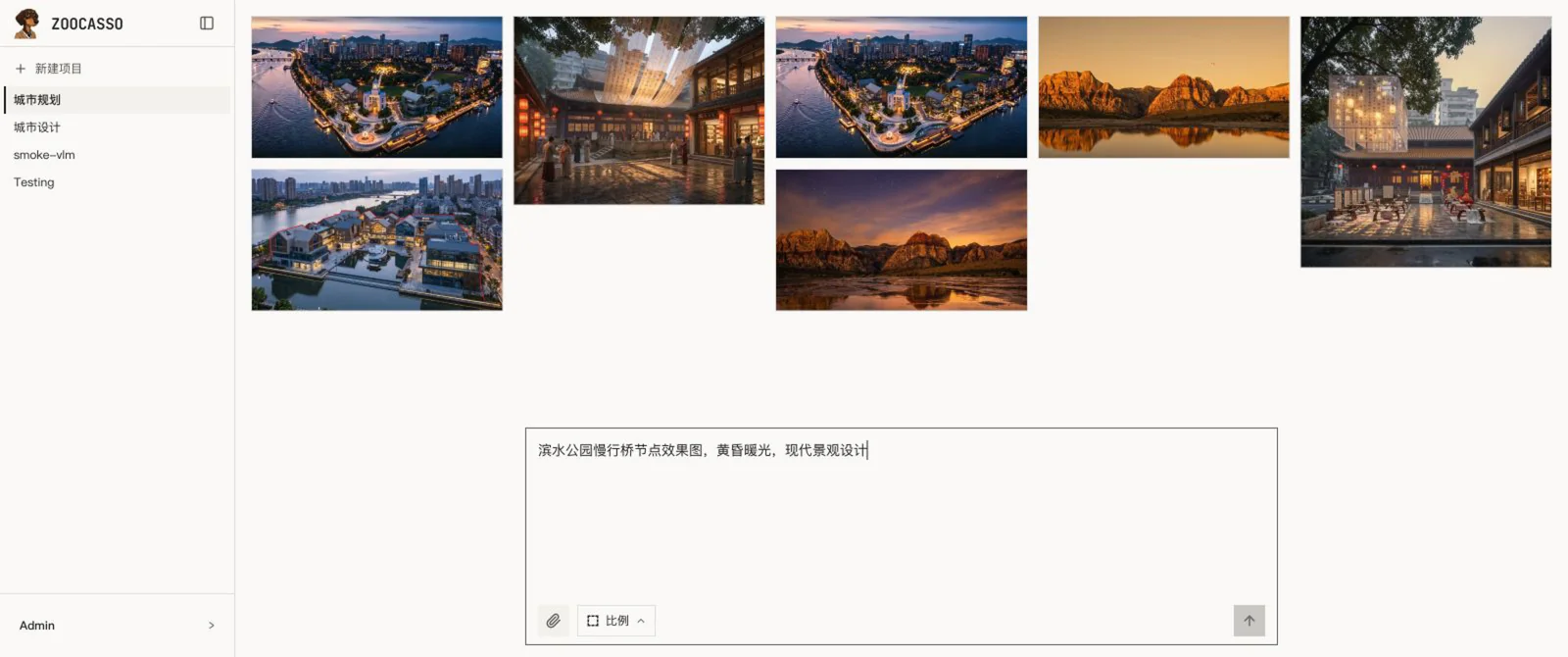
Open it and it’s a clean workbench: the images you’ve made in the middle, one input box at the bottom — describe what you want, pick a ratio, press enter. No model picker, no rows of parameters. You just write the gist; a layer behind it quietly expands that into a sharper instruction before the image engine sees it. The subtraction all happened somewhere you can’t see; what’s left for the designer is just describe → image.
Iterate like a designer
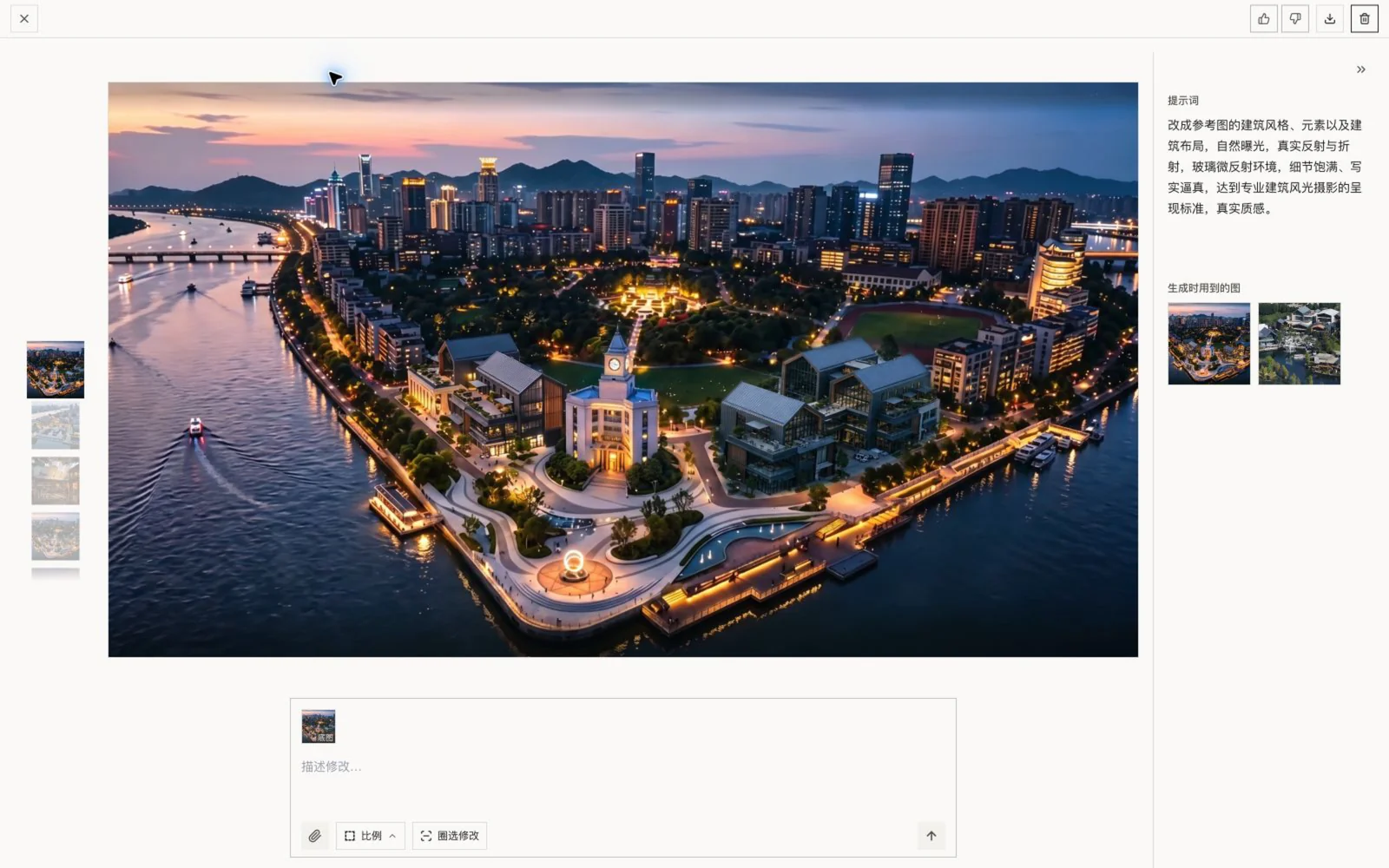
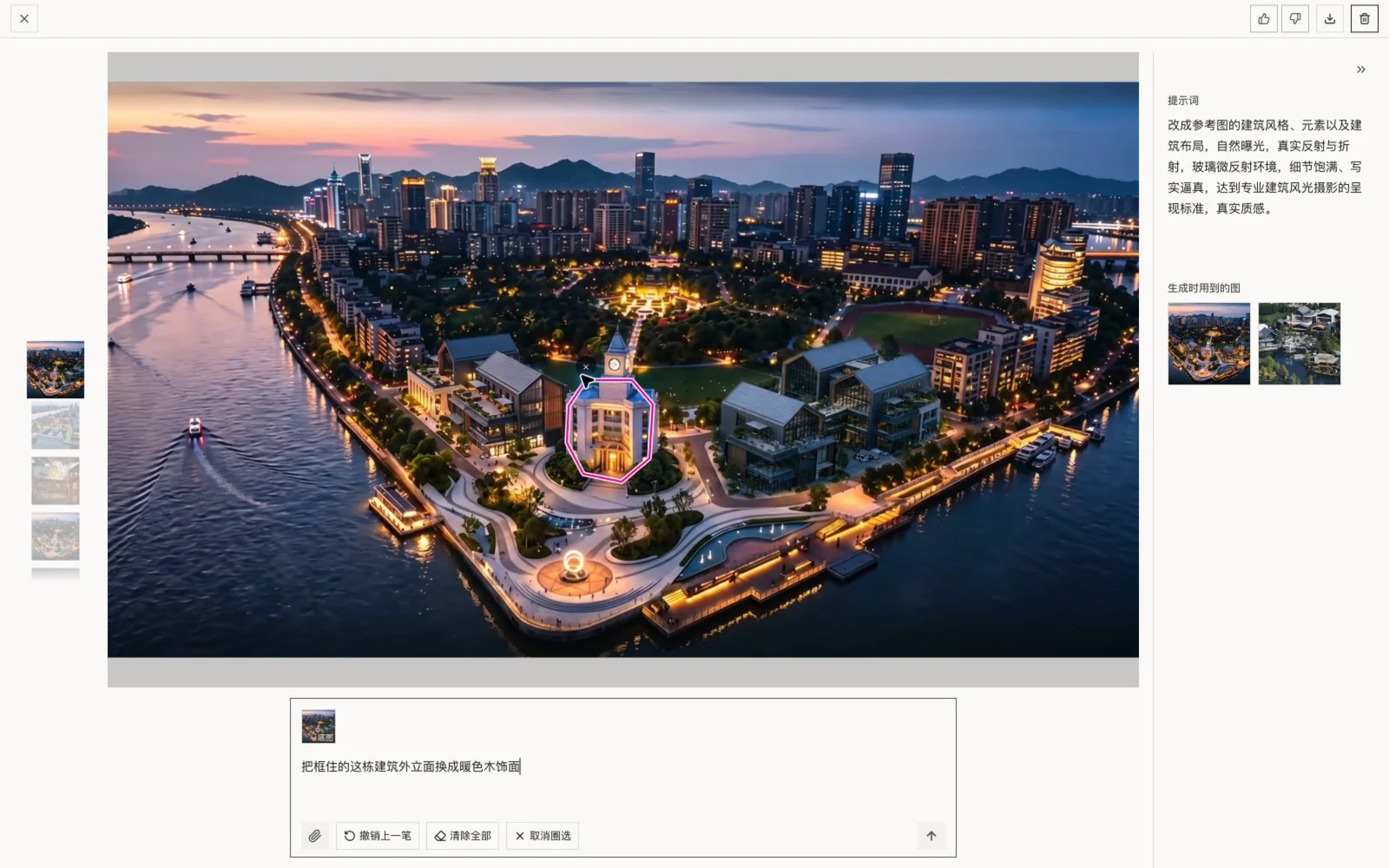
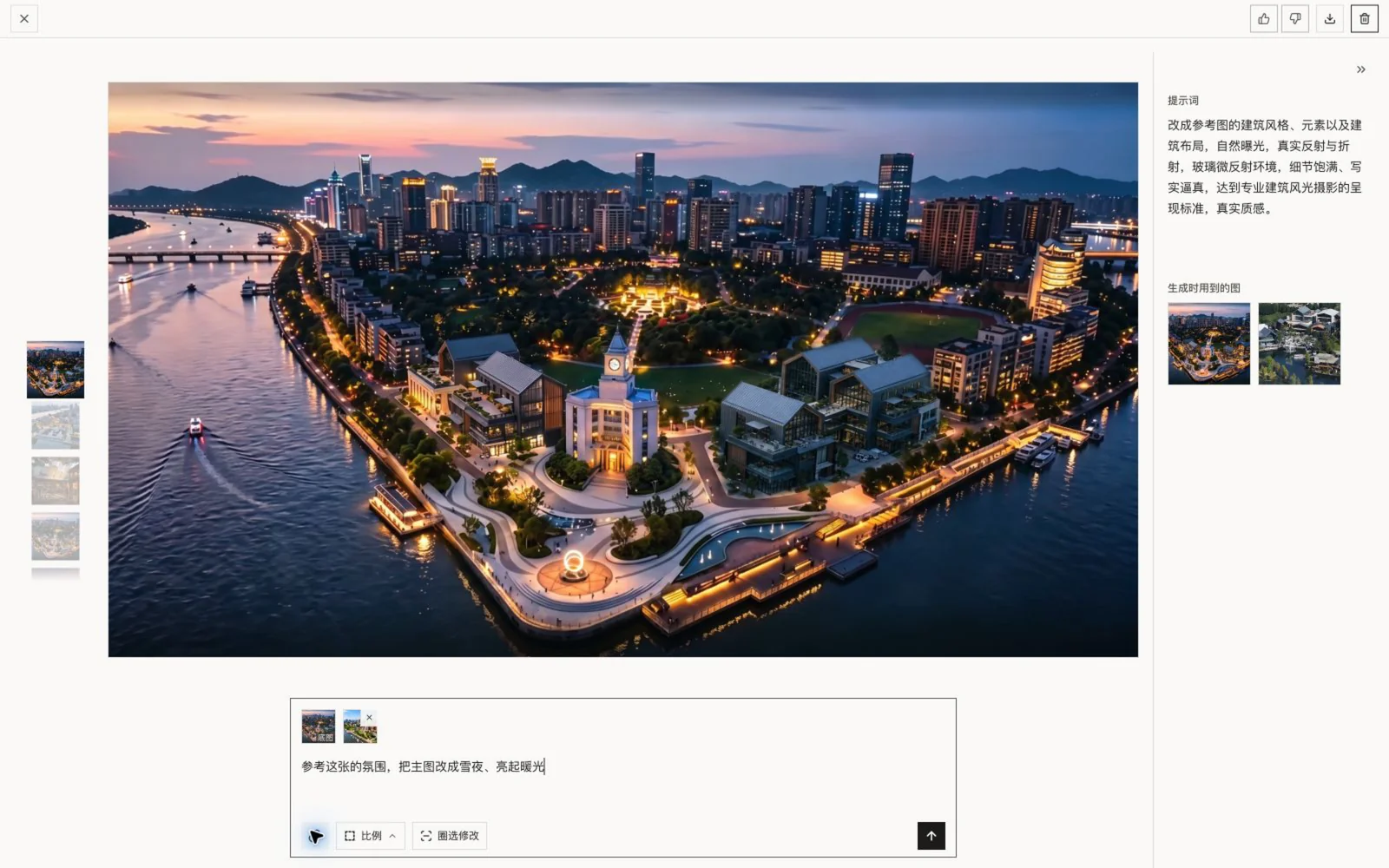
Generating is only the start; the real time goes into changing. Open an image and you’re in the editor: a column of thumbnails down the left holds every version — scroll to switch; the big image sits in the middle, its prompt on the right. Region-edit — circle a spot and only that changes; to carry an image forward it becomes the “base” automatically and you drop or paste one reference alongside. Like, dislike, download, delete — one tap in the header.
Where it is now
Zoocasso is live, running on Cloudflare and generating with gpt-image-2. Right now it’s used by a small invited group of designers — PIN login, no public signup, free for them for now. It isn’t a SaaS chasing sign-ups; it’s a handy tool for a few designer friends. Happy to walk through more in person.